
Oopbuy Spreadsheet buying guide
A practical path from choosing a product to checking QC and paying for international shipping.
1. Discover a listing
Use the Spreadsheet categories or product search to find a starting point. Open the original listing, compare the photos and specifications, and keep its URL. If several sellers show the same photo, compare their descriptions, current reviews and return conditions rather than assuming their products are identical.
2. Choose the variant and budget before checkout
Check size measurements against an item you own, not just the S/M/L label. Select colour, size and quantity, then estimate the international shipping cost to your country. A low item price can still lead to an expensive parcel.
Work through the pre-order checks and the two-payment structure.
3. Submit the purchase and follow the order
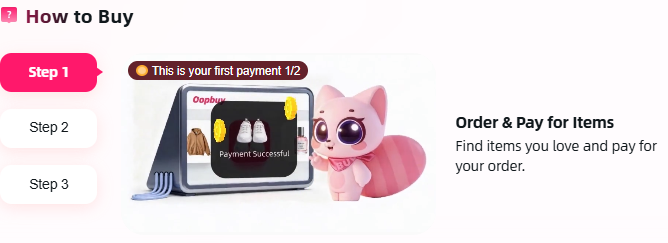
Paste the original listing into Oopbuy, check the selected options and review the current total and terms. After payment, watch the order status: the agent still needs to place the purchase with the seller. Stock, item prices or domestic shipping may require clarification or an adjustment. Open Oopbuy to start the purchase.
Save the listing and order reference. If the status stalls, ask support which action is pending rather than assuming the seller has shipped. The stage ledger explains what remains uncertain.
4. Inspect the warehouse QC
- Match the order. Compare the item, quantity, model and selected colour with your saved listing.
- Read the size label. If fit depends on a measurement, ask for that measurement rather than guessing from a photo.
- Look for visible damage. Check surfaces, seams, soles, closures and accessories wherever the images show them.
- Ask for a better view. A missing angle or blurry label is an unanswered question, not a pass.
- Check the clock. Read current after-sales eligibility and deadlines before removing packaging or submitting the parcel.
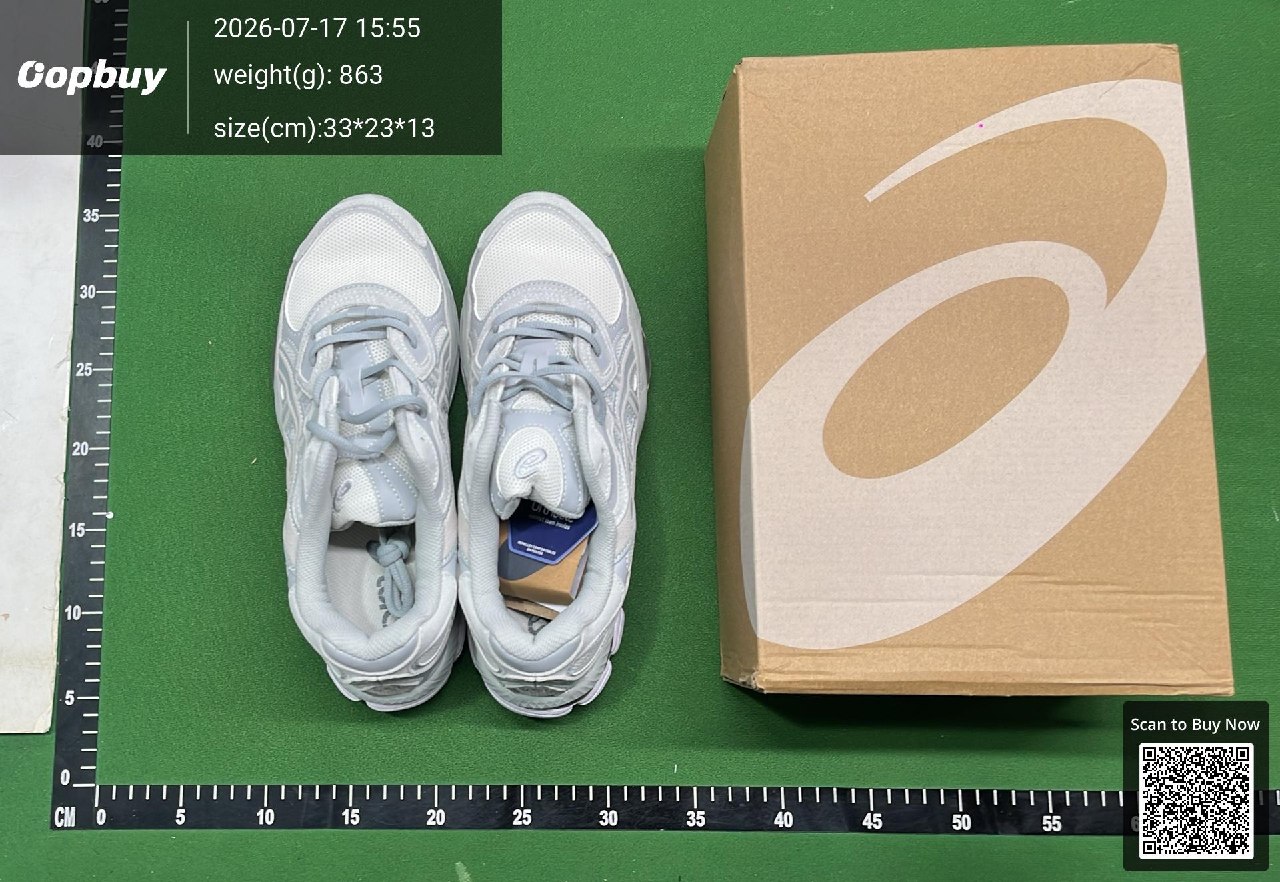
QC cannot prove authenticity, comfort or long-term durability. Read the return and storage guidance before accepting an item.
5. Plan and pay for the parcel
Choose what to combine, check the line’s allowed goods and destination restrictions, and compare the current parcel quotes. Final packed dimensions can differ from the individual stored items. Chargeable weight follows the selected line’s rules and may use actual or volumetric weight.
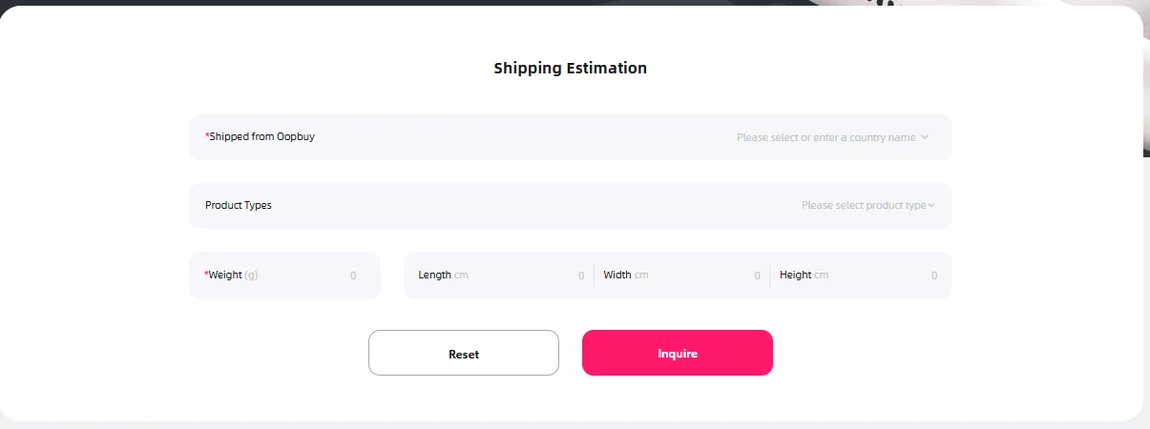
Verify the address, declaration information and payment total. Submitting a parcel request and paying its shipping charge are separate actions; confirm the payment status in your account. The official tutorial checked on 14 October 2026 describes estimated shipping prepayment, then a top-up or refund after the actual packed cost is established.
6. Track delivery and keep records
Save the parcel number, tracking information and payment record. Follow the carrier updates and respond to any delivery or customs request through the appropriate official route. For damage or a discrepancy, retain packaging and photos and contact support promptly.